Professional Front-End Development Training Program

Become a job-ready Front-End Developer with hands-on training in HTML5, CSS3, JavaScript, React JS, responsive UI development, Git, and real-world project workflows. Designed for beginners, students, and working professionals looking to build scalable modern web interfaces.

0

Projects Completed

0

Students Trained

0

Months Full-Time Training

0

Placement Success

About the Program

Front-End Development Training

Front-End Development focuses on building the part of websites and web applications that users directly interact with. It includes creating responsive layouts, styling, animations, and functional UI components using HTML, CSS, JavaScript, and modern frameworks like React.

After completing this training, students will be able to:
  • Build responsive websites using HTML5, CSS3 & Flex/Grid
  • Develop interactive UI components using JavaScript & DOM
  • Work with modern frameworks like React for scalable web apps
  • Integrate APIs and handle real-world data
  • Use Git & GitHub for version control and project deployment
  • Create portfolio projects for jobs, internships & freelance work

Yes, this Front-End Development Training is beginner-friendly.
No coding experience is required. Sessions start from basics and gradually move toward advanced development including JavaScript ES6+, React, and real-world project workflows.
Front-End Development Illustration

Join The Program

Who Should Join This Front-End Development Course

Who Is This Course For?

This Front-End Development Training Program is ideal for learners who want to build responsive websites, master HTML, CSS, JavaScript, and React, and become job-ready front-end developers with real projects and portfolio outcomes.

Students & Freshers

Perfect for students and fresh graduates who want to enter the IT field with strong front-end skills, modern frameworks, and a job-focused portfolio for internships and placements.

Aspiring Front-End Developers

Suitable for individuals who want to learn programming fundamentals, UI development, JavaScript interactivity, and real-world frontend workflows using React and APIs.

Graphic & UI Designers

Great for designers who want to translate static UI layouts into functional web components, understand layout systems, and learn HTML, CSS & responsive design for production environments.

Beginner Programmers

Ideal for beginners with little or no coding background who want to start learning the fundamentals of HTML, CSS, JavaScript, DOM manipulation, and structured front-end development.

Career Switchers

A strong choice for working professionals planning to switch into software development with training that focuses on hands-on coding, real projects, Git, and job-ready skills.

What Will You Learn

What Will You Learn in Front-End Development Training

What Students Get From Us

This Front-End Development Training covers the complete workflow required to build modern, responsive, and interactive web interfaces. You will learn HTML5, CSS3, JavaScript, API integration, and React development along with deployment, Git version control, and real-world project execution. By the end of the course, students build multiple portfolio-ready projects aligned with industry standards and job requirements for Front-End Developer roles.

Key Skills You Will Learn
HTML5 & Semantic Markup
CSS3, Flexbox & Grid Layouts
Responsive Web Design
JavaScript & DOM Manipulation
React Components & Hooks
API Integration & State Handling
Git & GitHub Version Control
Deploying Live Web Projects
Portfolio-Ready Project Work

What Will You Learn

Syllabus That You Learn

  • Role of HTML in Web Development
  • HTML Document Structure
  • Headings, Paragraphs, Links & Lists
  • Images, Tables & Form Elements
  • Semantic HTML (header, section, footer, article)
  • Accessibility and HTML Best Practices
  • Mini Project: Build a Personal Bio Page using HTML

  • Inline, Internal & External CSS
  • Colors, Typography, Spacing & Backgrounds
  • CSS Box Model & Display
  • Flexbox & CSS Grid Layout
  • Pseudo Classes, Hover & Transition Effects
  • Responsive Design & Media Queries
  • Mini Project: Convert Bio Page into Portfolio Layout using Flexbox & Grid

  • Bootstrap Grid System (Container, Rows, Columns)
  • Navbar, Cards, Buttons & Modals
  • Bootstrap Forms & Validation Styles
  • Bootstrap Utility Classes
  • Responsive Development Using Components
  • Mini Project: Create a Responsive Landing Page using Bootstrap

  • Variables, Operators, Loops & Functions
  • DOM Manipulation & Query Selectors
  • Events, Event Listeners & Form Validation
  • Arrays, Objects & Local Storage
  • Fetch API & Data Handling
  • Mini Project: Build a Form Validator / Calculator App using JavaScript

  • Why React? JSX & Virtual DOM
  • Components, Props & State
  • Handling Events & User Inputs
  • useState & useEffect Hooks
  • Mini Project: Build a To-Do App with Local Storage

  • React Router & Navigation
  • Conditional Rendering
  • API Integration using Fetch/Axios
  • State Management Techniques
  • Optimization & Reusable Components
  • Mini Project: Build a Weather App using Open API

  • Using ChatGPT for Code Debugging
  • GitHub Copilot for Smart Code Suggestions
  • Version Control with Git & GitHub
  • Project Deployment (Netlify / Vercel)
  • Documentation & Collaboration Tools
  • Mini Project: AI-Enhanced Portfolio Update
View All
Tools You'll Learn
VS Code
Git & GitHub
Bootstrap
React.js
Chrome DevTools
This 7-week structured training program focuses on front-end development, React, Git & deployment with portfolio projects.

What You Will Get

What You Will Get From This Front-End Development Training

Live/Recorded
Classes

Practical
Coding Tasks

Mentor
Support

Real-World
Examples

Portfolio
Building

Projects That We Do
Coming Soon
Project 2

Website Design

Coming Soon
Project 2

Website Design

Coming Soon
Project 2

Website Design

Career Outcome

Beginner

Front-End Intern / Web Intern

Intermediate

Junior Front-End Developer

Skilled

Front-End Developer / React Developer

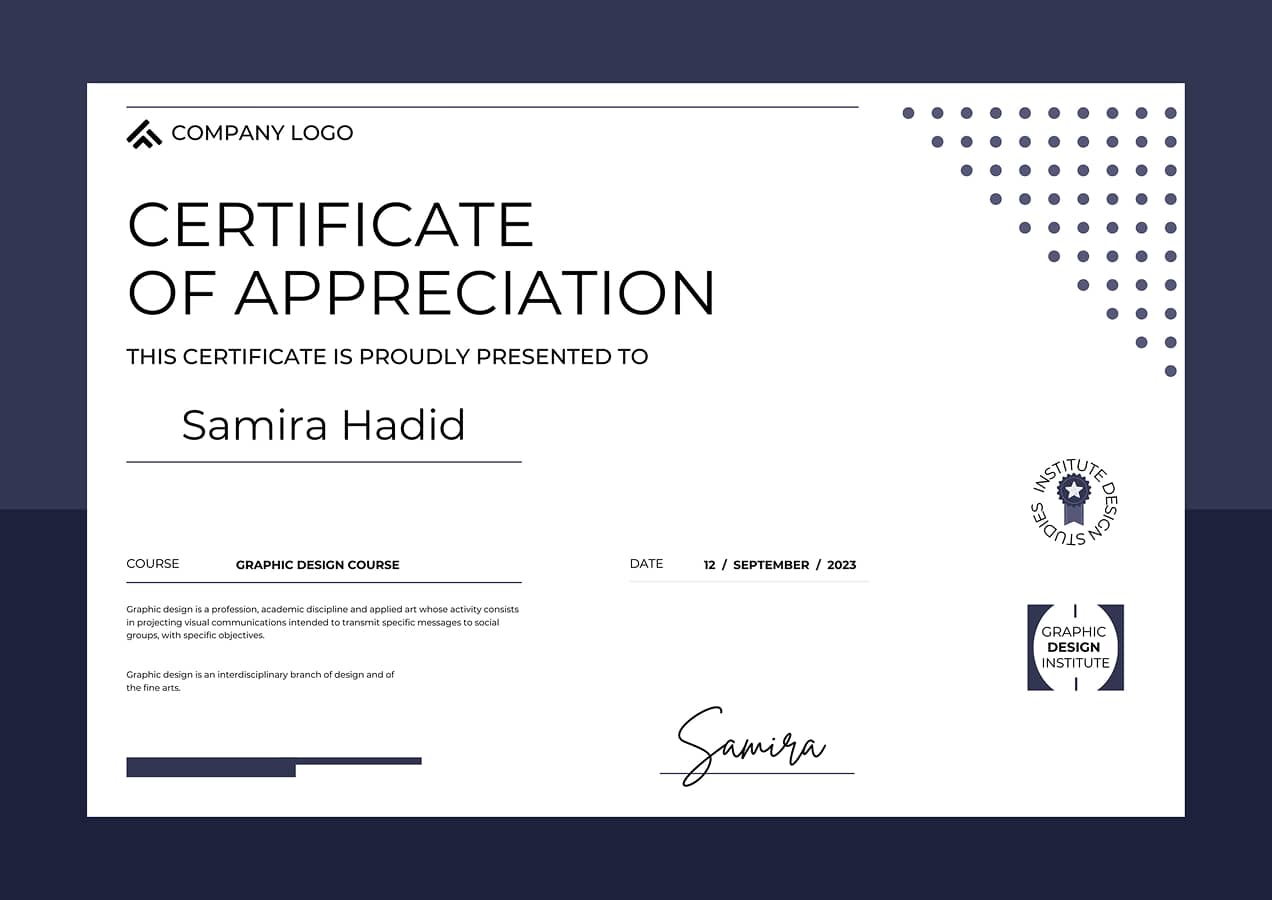
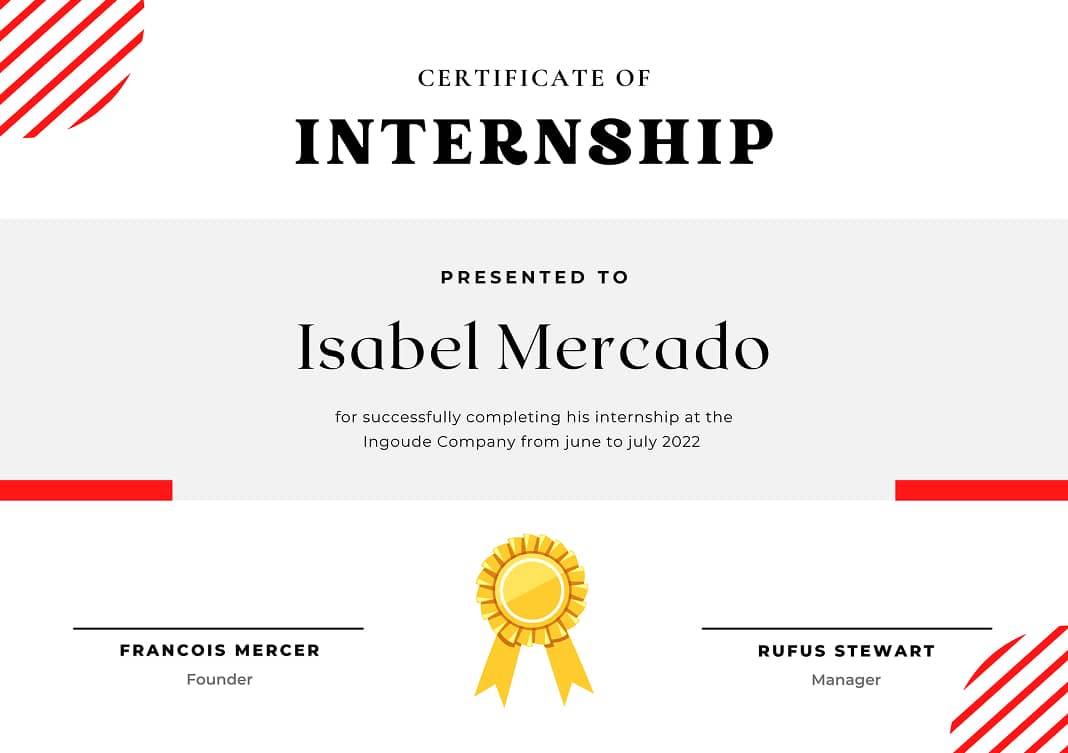
Certification After Training
View Syllabus

Why Choose Us?

Why Choose Our Front-End Development Training?

Practical Learning
Practical, Project-Based Learning

Our training focuses on hands-on development using HTML, CSS, JavaScript, Bootstrap, and React. Students learn by building real-world projects rather than just watching theory. Every module includes structured assignments and functional mini-projects to strengthen skills.

Industry Curriculum
Industry-Ready Curriculum

Our syllabus is designed based on modern front-end development standards, including responsive design, React components, API integration, Git workflows, and deployment. Students learn exactly what companies expect from front-end developers today.

Career Support
Portfolio & Career Support

Along with skill training, we help students build a job-ready portfolio with live projects, GitHub repositories, and deployment demos. This makes interviews easier and enhances hiring opportunities for internships, junior roles, and freelance projects.

Want to See What Students Build?

Our learners create responsive websites, bootstrap layouts, and React-based applications during training. These projects become part of their GitHub portfolio and deployment showcase, helping them stand out for front-end developer roles and freelance opportunities.

FAQs - Front-End Development Training

Q1. What is this Front-End Development course about?

This training prepares students for front-end developer roles by teaching HTML, CSS, JavaScript, Bootstrap, React, and modern development workflows.

Q2. Do I need prior coding experience to join?

No, the training starts from basics so beginners, college students, and career-switchers can join easily.

Q3. Who is this course ideal for?

Ideal for students, freshers, aspiring developers, designers transitioning into coding, and professionals switching to software development.

Q4. What is the duration & schedule?

The program runs for 7–8 weeks with structured modules, practice sessions, and project building.

Q5. How can I enroll?

Enrollment can be done through our website or by contacting our coordinator for upcoming batch details.

Q6. Does this course include placement assistance?

Yes, placement assistance includes portfolio review, resume optimization, LinkedIn support, and interview preparation — not job guarantee.

Q7. Can I add the certificate to LinkedIn & resume?

Absolutely! Certificate is digital and can be added to LinkedIn, GitHub, and CV for credibility.

Q8. What support do I get after course completion?

Graduates receive continued guidance on portfolio improvements, interviews, and freelance mentorship.

Q9. Is training available online or offline?

Both online live sessions and offline studio-based batches are available based on schedule.

Q10. How is this different from YouTube or free tutorials?

This is structured, guided training with mentor feedback, projects, assignments, portfolio building, and career support.

Q11. Which tools & technologies are covered?

HTML5, CSS3, Bootstrap, JavaScript, React, Git, GitHub, DevTools, API Integration, and Deployment workflows.

Q12. Will I learn React in this course?

Yes, React modules cover components, hooks, state management, routing, API data handling, and deployment.

Q13. Will I build real projects?

Yes! Multiple mini projects plus 1 main React project that becomes part of your GitHub portfolio.

Q14. Do I need a laptop for this training?

Yes, a laptop is required since this is a coding & development-oriented program.

Q15. Are weekly assignments provided?

Yes, each module includes coding exercises, assignments, and debugging tasks for practice.

Q16. Will I learn deployment?

Yes, you will deploy projects using GitHub, Netlify, or Vercel and learn hosting workflows.

Q17. Will I get mentor feedback on my code?

Yes, code reviews are part of the training to improve quality, structure, and coding standards.

Q18. Will I receive a certificate after completion?

Yes, you will earn a Front-End Development Training Certificate after fulfilling project requirements.

Q19. How many projects will I build?

You will build mini projects (Landing Pages, Bootstrap UI, JavaScript Apps) and a React capstone project.

Q20. What job roles can I apply for after completion?

Front-End Intern, Junior Front-End Developer, React Developer (Junior), UI Developer, and Freelance Web Developer.

Start Your UX/UI Design
Career With the Right Guidance

Got questions about our training programs? Tell us what you're aiming for!

Whether you're a beginner, student, or career switcher, share your goals and we’ll help you pick the right UX/UI training track. From learning to portfolio building and job preparation, we guide you through each step of your design journey.

Drop Your Requirements