Transform Ideas Into Beautiful Digital Interfaces

Learn visual hierarchy, typography, grids, and interaction patterns through practical projects. Develop strong visual skills and build UI screens that stand out across digital platforms.

0

Projects Delivered

0

Happy Clients

0

Years of Experience

0

Satisfaction Rate

About the Program

UI Design (User Interface Design)

UI Design (User Interface Design) focuses on how digital products look and function. It includes layouts, colors, typography, buttons, icons, and visual components that make websites and apps modern, consistent, and easy to use. Today designers use tools like Figma to build responsive screens, components, and interactive prototypes for real-world products.

After completing this UI Design training, students will:
  • Design UI screens for web and mobile products
  • Use Figma professionally (Auto Layout, Components, Variables, Dev Mode)
  • Create responsive layouts and basic design systems
  • Build a beginner-friendly UI portfolio
  • Prepare for UI jobs, internships or freelance work

Yes, this course is beginner-friendly and suitable for freshers. Training starts from design basics and moves towards practical UI skills like responsive design, components, and prototypes. No prior design or coding knowledge required.
UI Design Illustration

Join The Program

Who Should Join This Course

Who Should Join This Course

This UI Design Training Program is designed for anyone who wants to build a strong career in modern interface design using AI UI design techniques and industry-standard UI design tools.

Students & Freshers

Perfect for students and freshers who want to start a career in UI design with structured learning and a job-ready UI portfolio.

Aspiring UI Designers

Ideal for individuals who want to learn professional UI workflows, improve visual design skills, and create real-world UI projects.

Graphic Designers (UI Switch)

Best suited for graphic designers planning to move into UI design by upgrading their skills with digital layouts, components, and interactive design.

Frontend Beginners

Helpful for beginners in frontend development who want to understand UI structure, design systems, and visual consistency before coding.

Career Switchers

A great choice for professionals looking to change careers and enter the design industry with practical training and portfolio-based learning.

What Will You Learn

What Will Your Learn

What Student Get From Us

This UI Design program covers essential skills like visual design, color & typography, responsive layouts, and app/website UI design. You’ll learn using modern UI design tools and AI-driven workflows while building real projects and a job-ready UI portfolio with proper design handoff skills.

Key Skills
UI Design Principles
Color & Typography
Layout & Grid Systems
App & Website UI Design
Responsive UI Basics
Portfolio-Ready Project Work

What Will You Learn

Syllabus That You Learn

  • Goal: Build strong visual + design thinking foundation.
  • What is UI vs UX vs Product Design
  • Design Thinking & Human-Centered Approach
  • Visual Hierarchy & Composition
  • Color Theory, Contrast & Accessibility
  • Typography Families, Scales & Grids
  • Introducing 4pt / 8pt Spacing System
  • Common UI Patterns (Cards, Lists, Navigation)
  • Exercise: Login + Onboarding Screens
  • Mini Project: Personal App Theme + Style Guide

  • Goal: Gain mastery over Figma’s layout engine
  • Figma Interface + Layers
  • Frames vs Groups
  • Auto Layout (Padding, Alignment, Space Between)
  • Constraints & Frame Resizing
  • Components + Variants (Hover/Active/Disabled)
  • Responsive Header & Navbar Design
  • New Concepts: Figma Variables (Colors, Sizes, Semantic Tokens)
  • Dev Mode: Specs → Inspect → Handoff
  • Exercise: Responsive Navigation Bar
  • Mini Project: 3-Screen Responsive App Design

  • Goal: Design for multiple breakpoints like industry designers
  • Mobile-First + Desktop-First Approach
  • Responsive vs Adaptive UI
  • Grid Systems (4, 8, 12 Column)
  • Breakpoints (sm / md / lg / xl)
  • Viewport Testing in Figma
  • Conversion: Desktop → Tablet → Mobile
  • Case Study: Responsive E-commerce Homepage

  • Goal: Create scalable UI systems used in enterprise products
  • Design Tokens (Color, Type, Radius, Shadows, Motion)
  • Naming Conventions (Semantic vs Functional Tokens)
  • Atomic Design (Atoms → Modules → Pages)
  • Component Libraries + Icon Sets
  • Documentation + Versioning
  • Variables for Light/Dark Modes
  • Exercise: Mini Design System
  • Mini Project: UI Kit + Token Library

  • Goal: Build dynamic & reusable component systems
  • Nested Auto Layout + Complex Grids
  • Advanced Variants + Interaction States
  • Variables for Multi-Theme Components
  • Adaptive Cards, Forms, Tables & Lists
  • Component Properties (Boolean, Options, Text)
  • Accessibility Compliance in Components
  • Challenge: Adaptive Card System (Web + Mobile)

  • Goal: Bring UI to life & illustrate flows
  • Interaction Design Basics
  • Smart Animate + Motion Timing
  • Overlay Interactions
  • Micro-Animations (Hover, Feedback, Loading)
  • User Flow Mapping (FigJam)

  • Goal: Adapt UI for modern product categories
  • SaaS Dashboard UI
  • Fintech App UI
  • E-commerce UI
  • B2B System Screens
  • Mobile App + Web App Parity
  • Accessibility AA/AAA Compliance
  • Localization & RTL UI Design
  • Mini Project: Fintech or SaaS Product Module UI

  • Goal: Use latest ecosystem tools used in modern design teams
  • New Features Included:
  • ✔ Figma Sites → No-code landing pages & micro-sites
  • ✔ Figma Make → AI-driven UI generation + tokens
  • ✔ Dev Mode → Inspect → Handoff → Code integrations
  • ✔ Code Connect → React/Flutter Component Integration
  • ✔ Version Control → Branching + Merging
  • Output Workflows:
  • • Dev Handoffs (HTML / CSS / React Specs)
  • • Tokens → Code Pipelines
  • • Auto Documentation for Design Systems
  • Mini Project: Build & publish a micro-site using Figma Sites
View All
Tools You'll Learn
Figma
FigJam
Miro
This 8-week, 60-hour professional training helps you design enterprise-grade dashboards and systems. Includes Capstone & Portfolio.

What You Will Get

What You Will Get

Live/Recorded
Lecture

Practical
Assignments

Mentor
Feedback

Real UI
Examples

Portfolio
Guidance

Projects That We Do
Coming Soon
Project 2

Website Design

Coming Soon
Project 2

Website Design

Coming Soon
Project 2

Website Design

Career Outcome

Beginner

Design Intern

Intermediate

Junior UI Designer

Skilled

UI Designer / Product UI Designer

Certification Block
View Syllabus

Why Choose Us?

Why Choose Us?

Industry Relevant Curriculum

Our training aligns with modern UI design standards such as responsive layouts, auto layout, component libraries, design tokens, and prototype handoff workflows used in real companies.

Project-Based Learning

Students work on real-world UI projects including SaaS dashboards, fintech apps, ecommerce UIs, design systems and micro-interactions to build a strong professional portfolio.

Beginner Friendly Approach

Training starts from fundamentals like color, typography, grids and spacing, and gradually moves to advanced UI workflows such as components, variables, design systems and developer handoff.

Want to see what our students build?

Explore UI projects, responsive designs, interactive prototypes, and design system work built during the training using modern tools like Figma, FigJam, and Dev Mode workflows.

FAQs

Q1. What is this course about?

This course prepares learners for professional UI Design roles using Figma, FigJam, and Behance. You’ll master responsive layouts, design systems, and portfolio presentation.

Q2. Do I need any prior design experience to join?

No prior experience is required. This program starts with UI fundamentals and gradually moves to advanced design workflows.

Q3. Who is this course ideal for?

It’s perfect for students, freshers, graphic designers, or anyone looking to start a career as a UI Designer or Product Designer.

Q4. What is the duration and schedule of the program?

It’s a 2-month (8-week) program with around 60 total hours, conducted 4 days a week for 2 hours/day.

Q5. How can I enroll?

You can enroll through the official UI UX Cloud website or contact the trainer (Ajinkya Kulthe) directly for upcoming batch details.

Q6. Does this course include placement assistance?

Yes, Trivikratech provides career guidance, LinkedIn portfolio review, and interview tips to prepare you for MNC and startup roles.

Q7. Can I add this certificate to my resume or LinkedIn?

Absolutely! The certification is digital and shareable — you can showcase it on LinkedIn, Behance, or your portfolio website.

Q8. What support is provided after course completion?

Post-course, learners get: Access to alumni community Guidance on freelance projects Portfolio improvement feedback

Q9. Is this course online or offline?

The training can be delivered online (live interactive sessions) or offline (studio-based batches) — depending on the schedule.

Q10. What makes this course different from YouTube or self-learning?

This is a guided professional training, not just tutorials. You’ll receive: Structured learning path Practical projects Personal feedback Portfolio and career support

Q11. Which tools will I learn in this course?

You’ll master: Figma – Core UI Design, Auto Layout, and Design Systems FigJam – Brainstorming and Flow Mapping Behance & Dribbble – Portfolio and Case Study Presentation

Q12: Why is UI/UX design important for my business?

A good UI/UX ensures better usability, higher conversions, and long-term customer loyalty.

Q13. Will I learn prototyping and animation?

Yes! Week 6 is fully focused on Interaction Design & Prototyping using Figma’s Smart Animate and Micro-interactions.

Q14. Is coding knowledge required for this course?

No, this is a pure design-focused course — you’ll learn visual design, layout systems, and documentation, not coding.

Q15. Are there hands-on exercises in every week?

Yes, each week includes exercises and mini-projects like responsive screens, design systems, and case studies.

Q16. What is the Capstone Project?

In Week 8, you’ll design a full app UI (3–5 screens, responsive) and present it as your final Behance project.

Q17. Will I receive feedback on my designs?

AYes, you’ll get peer review sessions and trainer feedback to improve your work before the final presentation.

Q18. Do I get a certificate after completing the course?

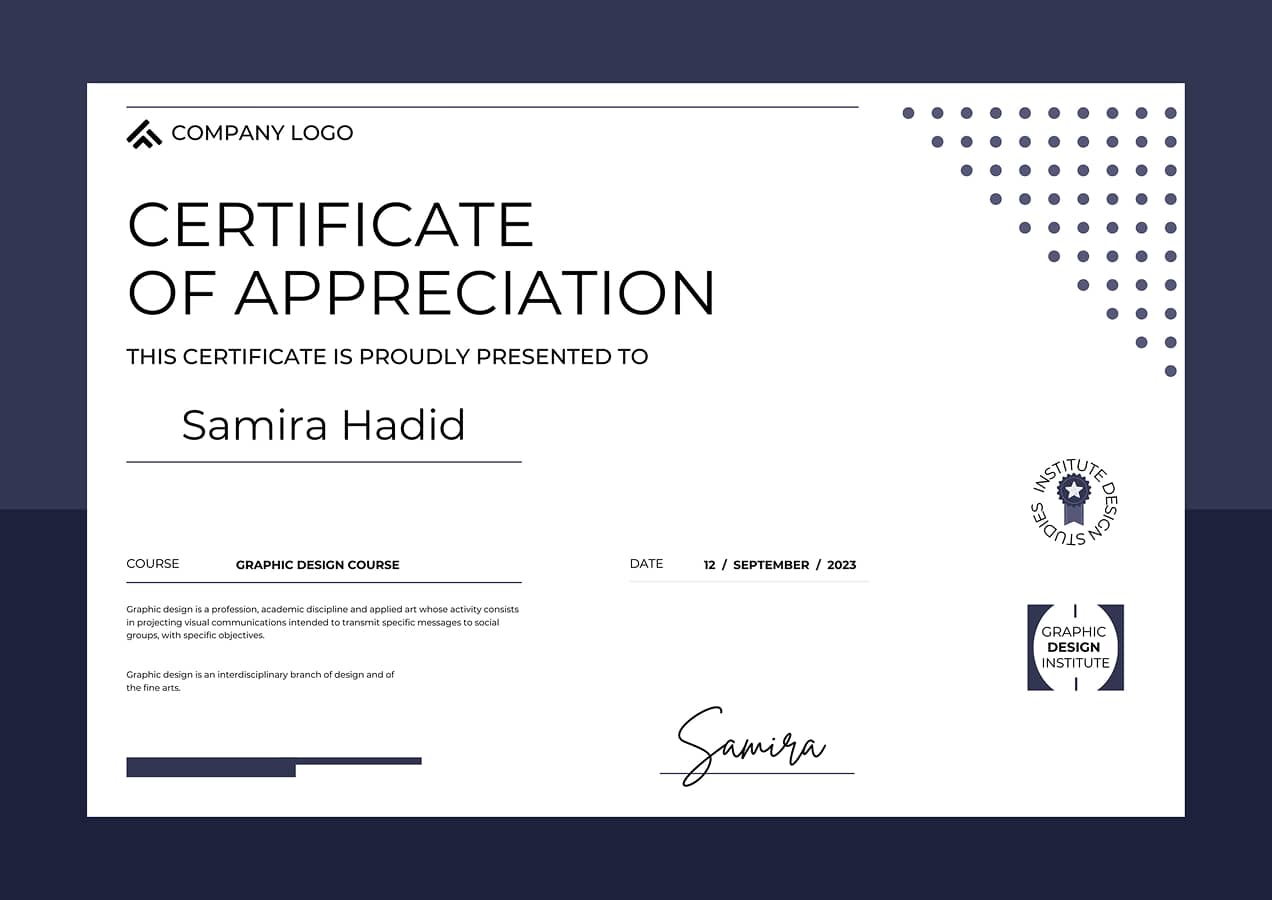
Yes, you’ll earn a UI Design Professional Certificate (MNC-Level) awarded by UI UX Cloud, after project evaluation and portfolio review.

Q19. How will this course help build my portfolio?

By the end of the course, you’ll have at least 2 mini-projects, 1 case study, and 1 capstone project uploaded on Behance or Dribbble.

Q20. What kind of job roles can I apply for after completing this course?

You’ll be ready for roles such as: Junior UI Designer Product Designer Design System Associate Visual Designer Freelance UI Designer

Start Your UX/UI Design
Career With the Right Guidance

Got questions about our training programs? Tell us what you're aiming for!

Whether you're a beginner, student, or career switcher, share your goals and we’ll help you pick the right UX/UI training track. From learning to portfolio building and job preparation, we guide you through each step of your design journey.

Drop Your Requirements