Professional UI/UX Design & Development Training Program

Become a job-ready UI/UX Designer or Product Designer with portfolio, case studies, real client projects, UX research, wireframes, visual UI, Figma design systems, prototyping, UX writing, and interview preparation. Designed for MNC placement & career transitions.

0

Students Trained

0

Projects & Case Studies

0

Months to Job-Ready

0

Placement Success Rate

About the Program

UI/UX Design & Development Training

UI/UX Design focuses on how digital products look and how users interact with them. In UI Design, you create layouts, components, colors, typography, icons and buttons for mobile & web applications. UX Design organizes screens, flows and user journeys so products become functional, intuitive and user-friendly across platforms.

After completing this UI/UX Design & Development training, students will:
  • Design professional UI for web & mobile using Figma
  • Create wireframes, prototypes & responsive layouts
  • Build design systems, components & visual UI
  • Perform UX Research & usability testing on real projects
  • Develop a strong Behance-ready case study portfolio
  • Prepare for placements, freelance work & client projects

Yes, this program is perfect for beginners, freshers, and career switchers. The training starts from fundamentals and moves to advanced UI/UX workflows. No prior design or coding experience is required — all tools, concepts and project execution are taught step-by-step.
UI UX Design Illustration

Join The Program

Who Should Join This UI/UX Training Course

Suitable for All Beginners

This UI/UX Design & Development Training is designed for anyone who wants to build a job-ready career in Product Design, UI/UX Design, and modern digital interface development using Figma, design systems, prototyping, UX research, and portfolio-based learning.

Students & Freshers

Perfect for college students and fresh graduates who want to start a UI/UX career with structured training, real projects, case studies, and placement-focused guidance.

Aspiring UI/UX Designers

Ideal for individuals who want to learn professional design workflows, build UI components, master Figma, create responsive web & app designs, and showcase work through case study portfolios.

Graphic Designers (Switching to UI/UX)

Best suited for graphic designers who want to shift into digital product design by learning UX Research, wireframes, visual UI, components, design systems, and prototyping.

Frontend Development Beginners

A great fit for beginners in frontend development who want to understand design systems, UI architecture, and handoff-ready screens before working with HTML, CSS, and React.

Career Switchers

Ideal for professionals who want to switch careers into UI/UX Design or Product Design through industry-level training, client projects, and Behance-ready portfolio case studies.

What Will You Learn

What Will You Learn in Our UI/UX Training Program

What Students Get From This Program

This UI/UX Design & Development training program helps you build complete UI and UX design skills from beginner to professional level. Students learn UX Research, Wireframes, Visual UI Design, Figma Design Systems, Prototyping, UX Writing, Usability Testing, and Dev Handoff while working on real-world client projects and case studies. The outcome is a Behance-ready portfolio with interview and placement support for MNCs and product-based companies.

Key Skills You Will Learn
UX Research & Strategy
Wireframing (Low + Mid Fidelity)
UI Visual Design & Components
Figma Design System & Auto Layout
Prototyping & Usability Testing
Portfolio & Case Study Development

What Will You Learn

Syllabus That You Learn

  • Goal: Build a strong foundation in design mindset and principles.
  • Introduction to UI Design: UI vs UX
  • Human-Centered Design & Design Thinking Process
  • Visual Hierarchy & Composition
  • Color Theory, Contrast & Accessibility
  • Typography Systems & Grid Alignment

  • Goal: Achieve complete control over Figma’s layout engine.
  • Figma Interface & Layers Mastery
  • Frames, Groups, and Auto Layout Basics
  • Padding, Spacing, and Alignment Rules
  • Constraints & Frame Resizing Behavior
  • Component Creation & Variants (Hover, Active, Disabled)

  • Goal: Learn to design for all screen sizes like industry professionals.
  • Responsive vs Adaptive Design
  • 4, 8, 12 Column Grid Systems
  • Breakpoints & Layout Scaling
  • Mobile-first and Fluid Design Approach
  • Viewport Testing

  • Goal: Create scalable UI with tokens & components
  • Design Tokens (Color, Type, Spacing)
  • Atomic Design Structure
  • Component Libraries
  • Documentation & Naming Rules

  • Dev handoff & design tokens
  • Working with stakeholders

  • Portfolio Case Studies
  • Interview Prep & Presentations
View All
Tools You'll Learn
Figma
FigJam
Chat GPT
Adobe XD
Figma Site
Ai Tools
This 8-week, 60-hour professional training helps you design enterprise-grade dashboards and systems. Includes Capstone & Portfolio.

What You Will Get

What You Will Get

Live/Recorded
Lecture

Practical
Assignments

Mentor
Feedback

Real UI
Examples

Portfolio
Guidance

Projects That We Do
Coming Soon
Project 2

Website Design

Coming Soon
Project 2

Website Design

Coming Soon
Project 2

Website Design

Career Outcome

Beginner

Design Intern

Intermediate

Junior UI Designer

Skilled

UI Designer / Product UI Designer

Certification Block
View Syllabus

Why Choose Us?

Why Choose Our UI/UX Training Program?

Industry-Level Curriculum

Our UI/UX Design & Development Training follows an MNC-level curriculum covering UX Research, Wireframes, Visual UI, Design Systems, Prototyping, UX Writing, Usability Testing, and Developer Handoff — designed to make you job-ready as a UI/UX Designer or Product Designer.

Portfolio & Case Study Based

Instead of only theory, we focus on real-world UX workflows and hands-on design execution. You build Behance-ready case studies, client UI/UX projects, and a strong portfolio that increases your chances of being hired in product-based companies, startups, and MNCs.

Career Focused Outcomes

Our training includes interview preparation, resume optimization, LinkedIn optimization, freelancing guidance, and job referral assistance — making it suitable for freshers, students, and career switchers targeting UI/UX placements and freelance opportunities.

Want to See the Type of Work Students Build?

Explore real UI/UX case studies, design systems, prototyping flows, research documents, and portfolio projects created during the training. Experience how design thinking, strategy, and UI execution come together for industry-grade results.

FAQs - Section 1

Q1. What is this UI/UX training program about?

This is a job-oriented UI/UX training program that teaches UX Research, Wireframing, Visual UI Design, Prototyping, Design Systems, UX Writing, Usability Testing, and Developer Handoff with portfolio and case study preparation.

Q2. Do I need any prior design or coding experience?

No prior experience is required. The course starts from fundamentals and moves toward advanced UI/UX workflows.

Q3. Who can join this course?

Students, freshers, graphic designers, frontend beginners, college graduates and career switchers aspiring to become UI/UX Designers or Product Designers.

Q4. What tools will I learn?

You will work with Figma, FigJam, Behance, Miro/Whimsical for IA, and prototyping tools required for real product design.

Q5. Will I learn UX Research?

Yes, you will learn Interviews, Surveys, Personas, Journey Mapping, Market & Competitor Analysis, Insights and Prioritization frameworks.

Q6. Does this training include design systems?

Yes, visual UI, typography, components, tokens, grids, variants, auto layout and accessibility are covered for multi-platform design systems.

Q7. Will I learn prototyping & interactions?

Yes, full modules cover micro-interactions, feedback animations, prototype flows and usability testing using Figma.

Q8. Is coding required for UI/UX?

No coding is required. However, developer handoff is included so you can work with engineers effectively.

Q9. Will I work on real portfolio projects?

Yes, you will create real UI/UX projects, mini case studies and a final capstone project for Behance portfolio.

Q10. How does portfolio building work?

Portfolio is built through research → IA → wireframes → UI → design system → prototype → case study → presentation format for Behance.

Q11. What job roles can I apply for?

You can apply for roles like UI/UX Designer, Junior Product Designer, Interaction Designer, UX Research Assistant and Visual Designer.

Q12. Is there placement or career support?

Yes, placement assistance includes LinkedIn optimization, resume review, portfolio feedback, interview practice and job guidance.

Q13. Can freshers get a job after this course?

Yes, the curriculum is structured for freshers to build portfolio, case studies and interview-ready skills for hiring.

Q14. Can career switchers join?

Yes, many learners transition from Graphic Design, QA, Marketing, Sales or Frontend into UI/UX roles through this training.

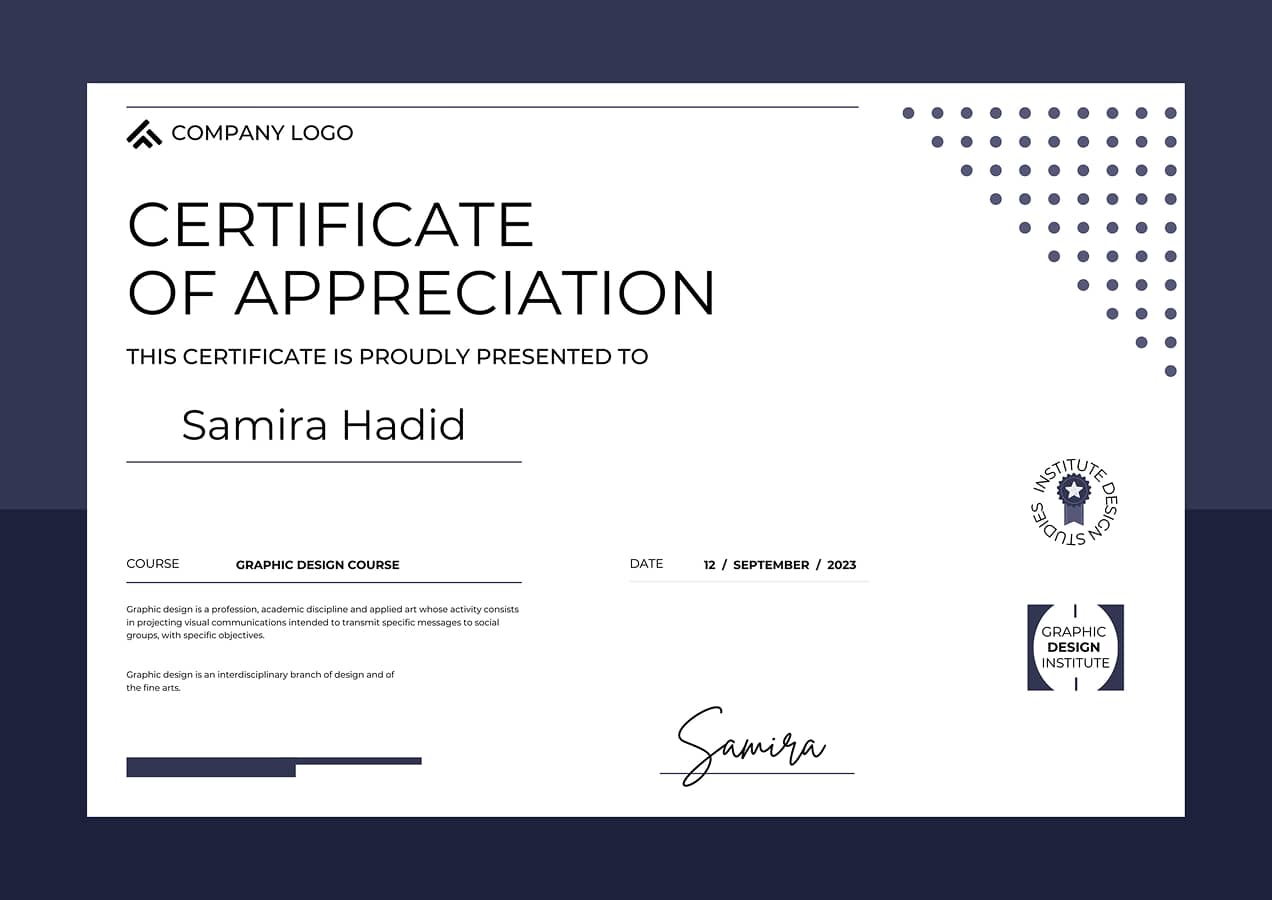
Q15. Will I get a certificate?

You will receive an MNC-Level UI/UX Design Certificate after evaluation of portfolio projects and case studies.

Q16. Is the training online or offline?

Both online (live) and offline (studio) batches are available depending on your location and batch preference.

Q17. Is there hands-on practice?

Yes, every week includes exercises, assignments, reviews and critiques to improve design execution.

Q18. What is the capstone project?

A full end-to-end UI/UX project designed with research, IA, wireframes, UI, prototype & case study presentation.

Q19. How long does it take to become job-ready?

On average 3–4 months depending on consistency, project speed and portfolio quality.

Q20. How is this different from YouTube tutorials?

Unlike tutorials, this gives structured curriculum, guided feedback, real projects, portfolio execution, and interview preparation.

Start Your UX/UI Design
Career With the Right Guidance

Got questions about our training programs? Tell us what you're aiming for!

Whether you're a beginner, student, or career switcher, share your goals and we’ll help you pick the right UX/UI training track. From learning to portfolio building and job preparation, we guide you through each step of your design journey.

Drop Your Requirements