UI/UX Design Training for Real Digital Products

Learn how to research, design, prototype, test, handoff and build functional digital experiences for mobile, web and SaaS products through structured training & real projects.

0

Projects Delivered

0

Happy Clients

0

Years of Experience

0

Satisfaction Rate

About the Program

UI/UX Design (Product Design Program)

UI/UX Design focuses on how digital products look (UI) and how they work (UX). It includes understanding users, defining problems, creating flows, wireframes, visual interfaces, components, prototypes, and testing — exactly how software products are designed in tech companies.

After completing this program, students will:
  • Understand product thinking & user psychology
  • Perform UX research & build personas, journeys & problem statements
  • Design IA, flows, wireframes (mobile + web)
  • Create visual UI, design systems & reusable components
  • Build interactive prototypes & micro-interactions
  • Design for multiple domains (Fintech, SaaS, E-Com, Healthcare etc.)
  • Prepare portfolio case studies for real interviews

Yes, this training is designed for absolute beginners.
We start with fundamentals and gradually move into advanced workflows like: Design Systems, Prototyping, Usability Testing, Handoff & Portfolio Building.
No coding experience required and no prior design background needed.

Students will learn industry standard design & product tools such as:
  • Figma + FigJam
  • Miro / Whimsical
  • Adobe XD
  • Framer
  • Figma Sites

Students can apply for roles like:
  • UI Designer
  • UX Designer
  • Product Designer
  • Interaction Designer
  • Design System Specialist
  • UX Research Intern
Freelancing & remote design projects are also possible after portfolio building.
UI/UX Design Illustration

Join The Program

Who Should Join This Program

Aspiring Product/UI/UX Designers

Perfect for individuals who want to learn how modern digital products are built — from UX research to UI design, prototyping, design systems and portfolio case studies.

Students & Freshers

Suitable for beginners with no prior experience. The training starts from fundamentals and progresses to advanced modules like design systems, usability testing & dev handoff.

Creative Professionals

Designers from visual, branding, illustration or digital backgrounds who want to move into UX, interface design, prototyping and product thinking.

Graphic Designers (UI/UX Switch)

Designed for graphic designers who want to shift from print to digital by learning layouts, components, interaction patterns, grids and platform design guidelines.

Frontend & Tech Beginners

Ideal for frontend learners who want to understand UX logic, design systems, flows and UI architecture before code implementation and dev handoff.

Career Switchers

Suitable for professionals transitioning into product design with structured training, project work, portfolio development and interview preparation.

What Will You Learn

What Will You Learn

What Students Get From Us

This UI/UX Design Training Program teaches students how real digital products are designed in tech companies. You will learn the complete design workflow: UX Research → Information Architecture → Wireframes → UI Visual Design → Design Systems → Prototyping → Usability Testing → Handoff → Portfolio Case Studies. Training is practical, project-based, and aligned to industry hiring standards.

Key Skills You Will Learn
Product & UX Thinking
UX Research & Persona Building
User Journeys & IA Mapping
Wireframes (Mobile + Web)
UI Visual & Component Design
Design Systems & Tokens
Interactive Prototyping
Usability Testing & Feedback
Dev Handoff & Collaboration
Portfolio & Case Studies

What Will You Learn

Syllabus That You Learn

  • Introduction to Product Design
  • UX vs UI vs Product Design
  • Human-Centered Design
  • Design Thinking (5-Step Model)
  • UX in Real Digital Products
  • User Psychology & Interaction Patterns
  • Tools: Figma + FigJam
Output: Design Thinking Workshop

  • User Interviews (Methods + Scripts)
  • Survey Setup + Data Interpretation
  • Competitor & Market Analysis
  • Persona Creation
  • Empathy Mapping
  • User Journey Mapping
  • Problem Statement / How Might We
Deliverables: Research Report + Persona + Journey Map

  • Task Flows vs User Flows
  • Sitemap Architecture
  • Screen Prioritization
  • Navigational Models (Hierarchy, Hub, Linear, Matrix)
  • Multi-Platform App Structures
  • Tools: Miro / Whimsical

  • Low-Fidelity Sketches
  • Mid-Fidelity Wireframes
  • Grid Systems & Layout (4px/8px)
  • UX Patterns for Forms, Cards, Lists, Inputs
Output: Complete Wireframe Set (Mobile + Web)

  • Visual Hierarchy & Composition
  • Color Psychology & Brand Theory
  • Typography & Font Pairing
  • Iconography & Illustration Consistency
  • Spacing, Shadows, Radius & Elevation Rules
  • Component Design (Buttons, Inputs, Modals, Nav)
  • Accessibility (WCAG) Introduction
Output: UI Style Board + Component Library

  • Auto Layout 4.0 (Advanced)
  • Components & Variants 2.0
  • Design Tokens (Spacing, Colors, Shadows, Radius)
  • Styles & Variables
  • Multi-Platform Design System (iOS + Android + Web)
  • System Documentation & Guidelines
Output: Design System Starter Kit

  • Feature Prioritization (MoSCoW, RICE, Kano)
  • Product Roadmaps
  • Metrics & Analytics (DAU/MAU, Funnels, Retention)
  • A/B Testing Insights
  • KPI Alignment for UX Decisions
Output: Strategy + Feature Prioritization Report

  • Clickable Prototypes
  • UI Animation Basics
  • Micro-Interactions (Hover, Tap, Scroll)
  • Motion for Feedback & System Status
  • Usability Testing (Remote + In-Person)
  • Iteration Rounds & Improvements
  • Tools: Figma + Protopie

  • Microcopy for Buttons & CTAs
  • Form Error & Validation Messages
  • Empty States + Tooltips + Toast Notifications
  • Voice & Tone Systems
Deliverable: UX Copy Guidelines Sheet

  • Fintech UX
  • Healthcare UX
  • SaaS Dashboard UX
  • B2B Enterprise UX
  • E-Commerce Product UX
  • Mobile + Web Platform Parity

  • Working with PM, Dev, QA
  • Design → Engineering → QA Flow
  • Figma Inspect / Zeplin Handoff
  • HTML/CSS & Responsive Basics (for Awareness)
  • API/Backend Constraints Understanding
Outcome: Handoff-Ready Design File

  • WCAG A/AA/AAA
  • ARIA + Keyboard Navigation
  • Gestalt Laws
  • Fitts, Hick, Miller, Jakob Laws
  • Mental Models & Biases

  • Case Study Writing (Behance Structure)
  • Presentation + Narrative
  • Resume + LinkedIn Optimization
  • Freelancing Roadmap + Proposals
  • Whiteboard Challenge Prep
  • MNC Interview Process Simulation
Final Output: Portfolio + Case Studies + Mock Interview
View All
Tools You'll Learn
Figma
FigJam
Chat GTP
Miro
Ai Tools
This 13-week, 90-hour professional training helps you design enterprise-grade products. Includes Capstone, Portfolio & Interview Prep.

What You Will Get

What You Will Get

Live/Recorded
Lecture

Practical
Assignments

Mentor
Feedback

Real UI
Examples

Portfolio
Guidance

Projects That We Do
Coming Soon
Project 2

Website Design

Coming Soon
Project 2

Website Design

Coming Soon
Project 2

Website Design

Career Outcome

Beginner

Design Intern

Intermediate

Junior UI Designer

Skilled

UI Designer / Product UI Designer

Certification Block
View Syllabus

Why Choose Us?

Why Learn UI/UX Design With Us?

Industry Aligned Curriculum
Industry-Aligned Curriculum

Our UI/UX Design program follows real product workflows used by modern tech companies — including UX research, information architecture, UI visual design, design systems, interactive prototyping, usability testing and dev handoff.

Project & Portfolio Focused

Students work on real app and web-based design projects across domains such as SaaS, E-commerce, Fintech, and Healthcare—resulting in strong UI/UX portfolio case studies that help in interviews and hiring assessments.

Career Oriented Outcomes
Career-Oriented Outcomes

Along with hands-on design training, students get support for interviews, case study writing, design presentations, freelancing guidance and career transition into roles like UI Designer, UX Designer, Product Designer, and Interaction Designer.

Want to See How We Work?

Explore our design work, UI/UX case studies, system thinking, and product design approach that reflects our focus on usability, accessibility, interface clarity, and high-quality digital experience.

FAQs - Section 1

Q1. What is UI/UX Design and how is it different from graphic design?

UI/UX focuses on how digital products work, feel and solve user problems through research, flows, wireframes, components and usability testing. Graphic design focuses mainly on visual communication.

Q2. Who can join this UI/UX design training?

Students, freshers, graduates, creative professionals, developers, career switchers and anyone interested in digital product design.

Q3. Do I need coding knowledge for this training?

No coding skills are required. UI/UX roles are research, strategy, design and prototype focused.

Q4. Do I need prior design experience?

No. Training starts from fundamentals and moves to advanced workflows like design systems & prototyping.

Q5. What tools will I learn in this program?

You will learn Figma, FigJam, Miro, Notion, ProtoPie and Zeplin for research, UI, prototyping and handoff.

Q6. Will I work on real projects?

Yes, including domain-based app and web UI, system components and a final capstone portfolio project.

Q7. Does this course include UX Research?

Yes. User interviews, personas, empathy maps, journey maps and competitive research are included.

Q8. Will I learn design systems?

Yes. You’ll learn components, tokens, variants, platform guidelines and documentation for scalable UI.

Q9. Will there be interaction design & prototyping?

Yes. Interactive prototypes are built for usability testing and design presentations.

Q10. What is the duration of this training?

The complete program takes 12–13 weeks depending on batch type and evaluation timelines.

Q11. Do I get a certificate after completion?

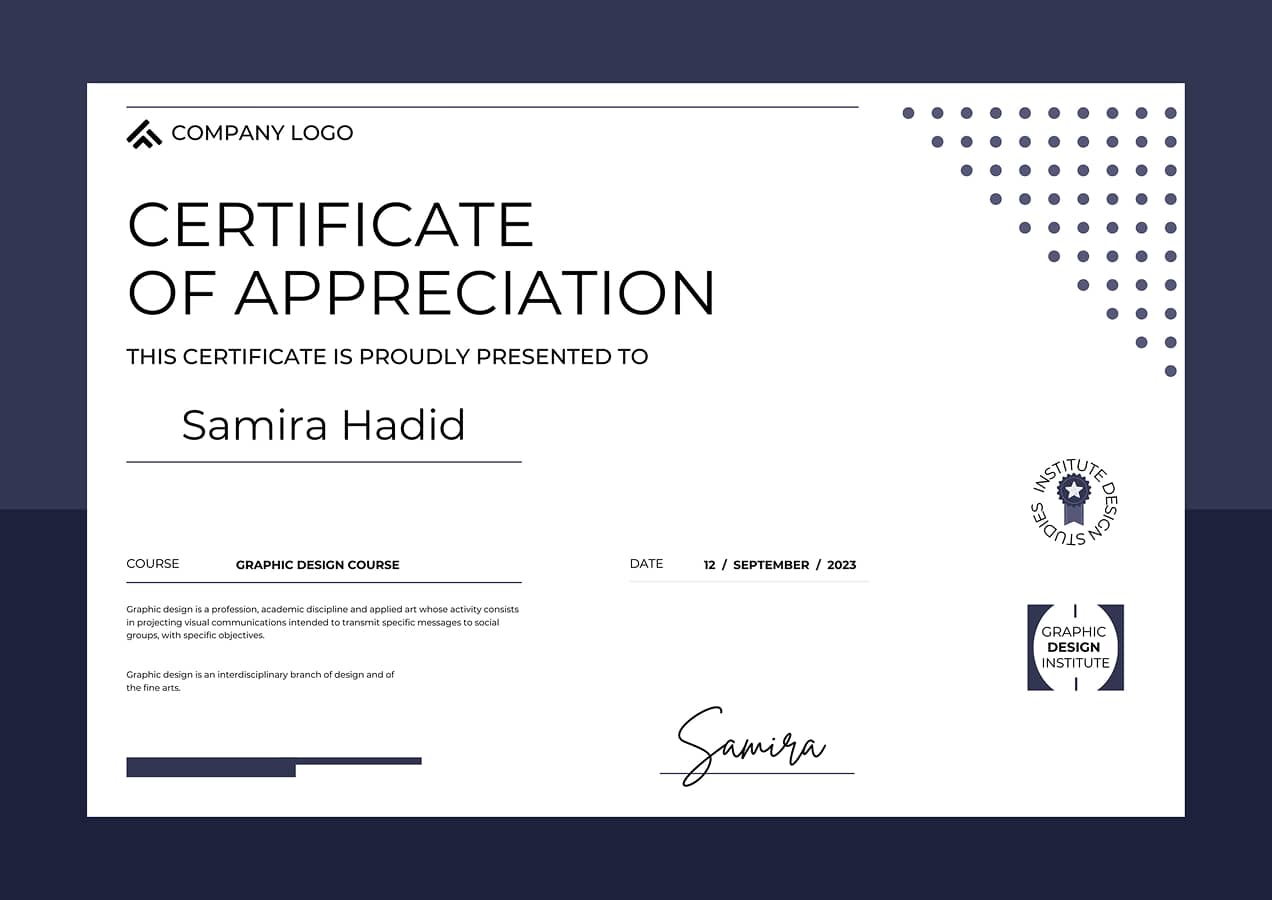
Yes. A professional certificate is awarded after project evaluation and portfolio submission.

Q12. Will I build a portfolio?

Yes. You will publish projects and case studies on Behance, Dribbble or your personal portfolio.

Q13. Does the course include career support?

Yes, including portfolio review, LinkedIn optimization, resume alignment and interview practice.

Q14. What job roles can I apply for?

UI Designer, UX Designer, Product Designer, Interaction Designer, UX Research Intern and System Designer.

Q15. What domains will we design for?

Domains include SaaS, Fintech, Healthcare, E-Commerce, B2B and Education platforms.

Q16. Is this beginner friendly?

Yes, this training is designed for beginners with zero design or tech background.

Q17. Will I get feedback on my work?

Yes. You’ll receive design feedback, peer reviews and improvement suggestions throughout the process.

Q18. Is the training online or offline?

Both formats are available depending on batch schedule and location.

Q19. How does this program help with portfolio building?

You will build domain-based UI screens, case studies, usability improvements and one capstone project for hiring.

Q20. How is this training different from self-learning?

This program includes structured learning, real projects, feedback, case studies, design reviews and interview preparation—essential for UI/UX hiring.

Let’s Build Your Next
Digital Experience

Have an idea? Drop your requirement we’ll bring it to life!

Got a vision in mind? Drop your requirement and let us handle the rest. From concept to creation, we craft solutions tailored just for you — fast, professional, and hassle-free.

Drop Your Requirements